Challenge
Introducing Computational Thinking in Primary School.
Programming and related topics are being introduced in Danish primary schools, but the subject is complex and inaccessible and many teachers find it hard to pick it up as yet another thing they have to learn. Additionally, teachers often experience difficulties keeping the children interested when the excitement of existing digital tools has worn off.
Context
Story Blocks was a project done in collaboration with a Danish primary school who were front-runners in trialling the implementation of Teknologiforståelse ("technology comprehension") into their curriculum. My contribution focused on physical product design, prototyping, and user research.
SIDeR 2018
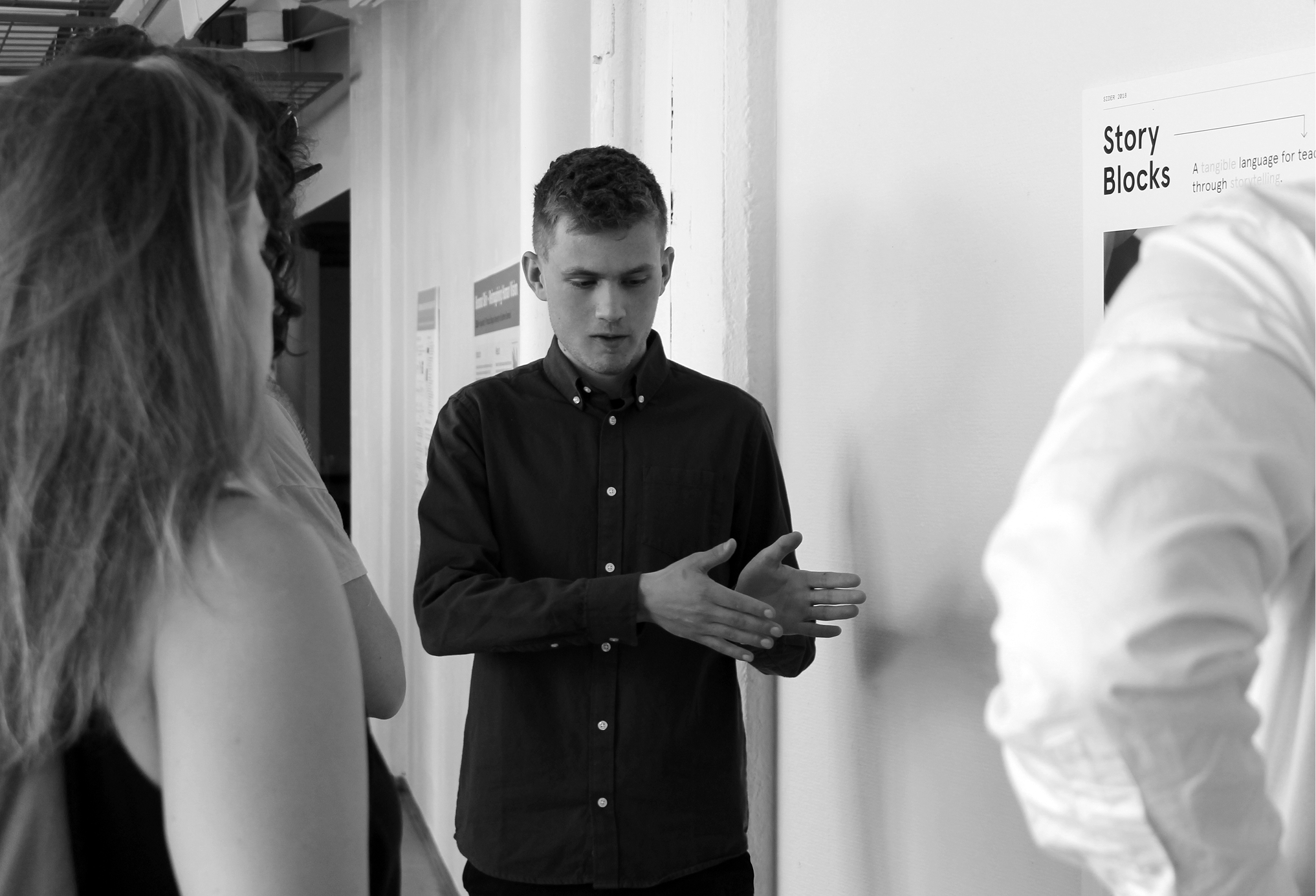
Presenting at Conference.
A paper and poster about this project was accepted at SIDeR 2018 in the category Tangible User Interfaces. I attended in Helsinki, Finland along with another team member. Read the proceedings here (p. 140), and the poster here.
Solution
Playful Learning.
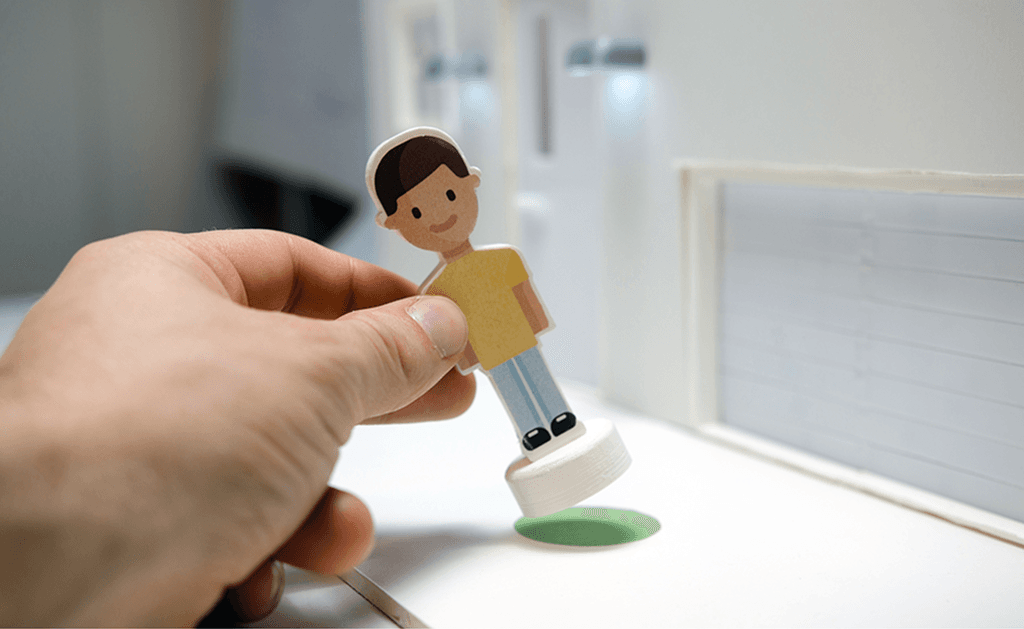
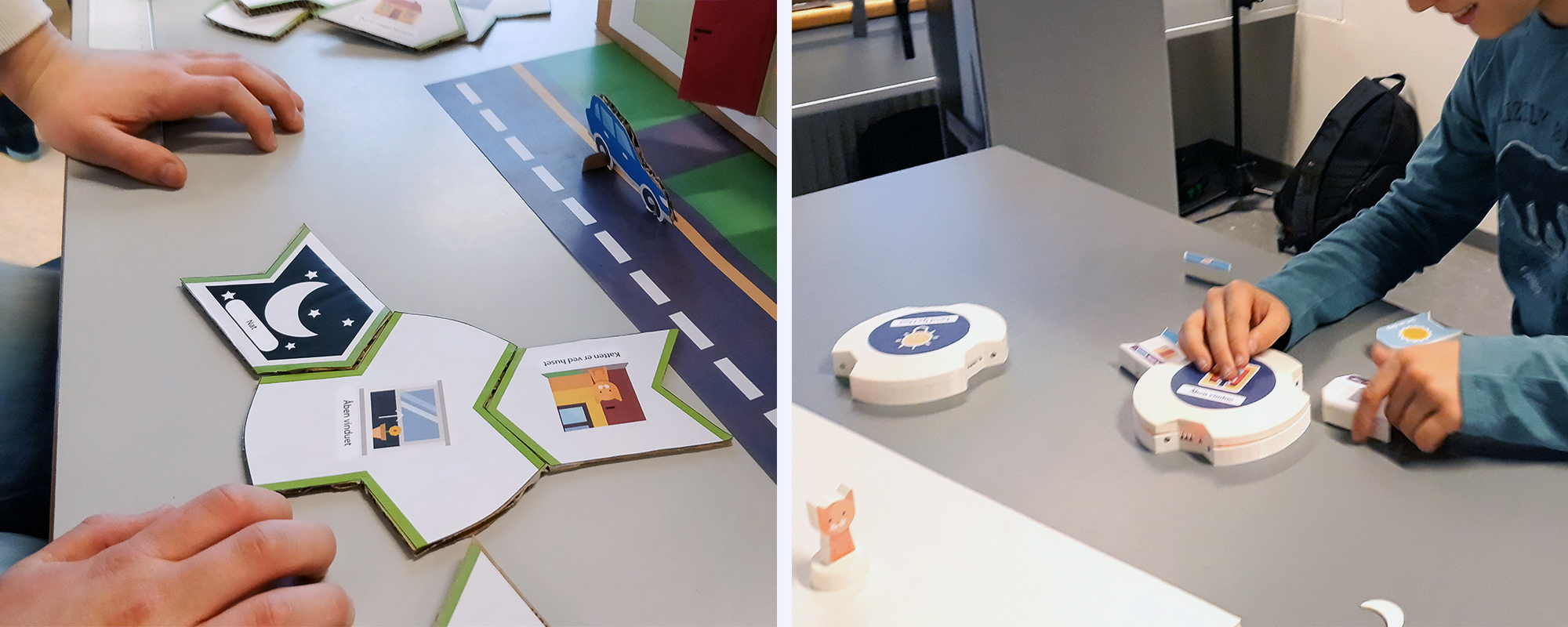
With Story Blocks, children create small narratives around a scene. They explore computational concepts like logical AND/OR and IF statements by connecting blocks to hubs that control parts of the scene. The programmed behaviour can then be tested by using figures in the scene.
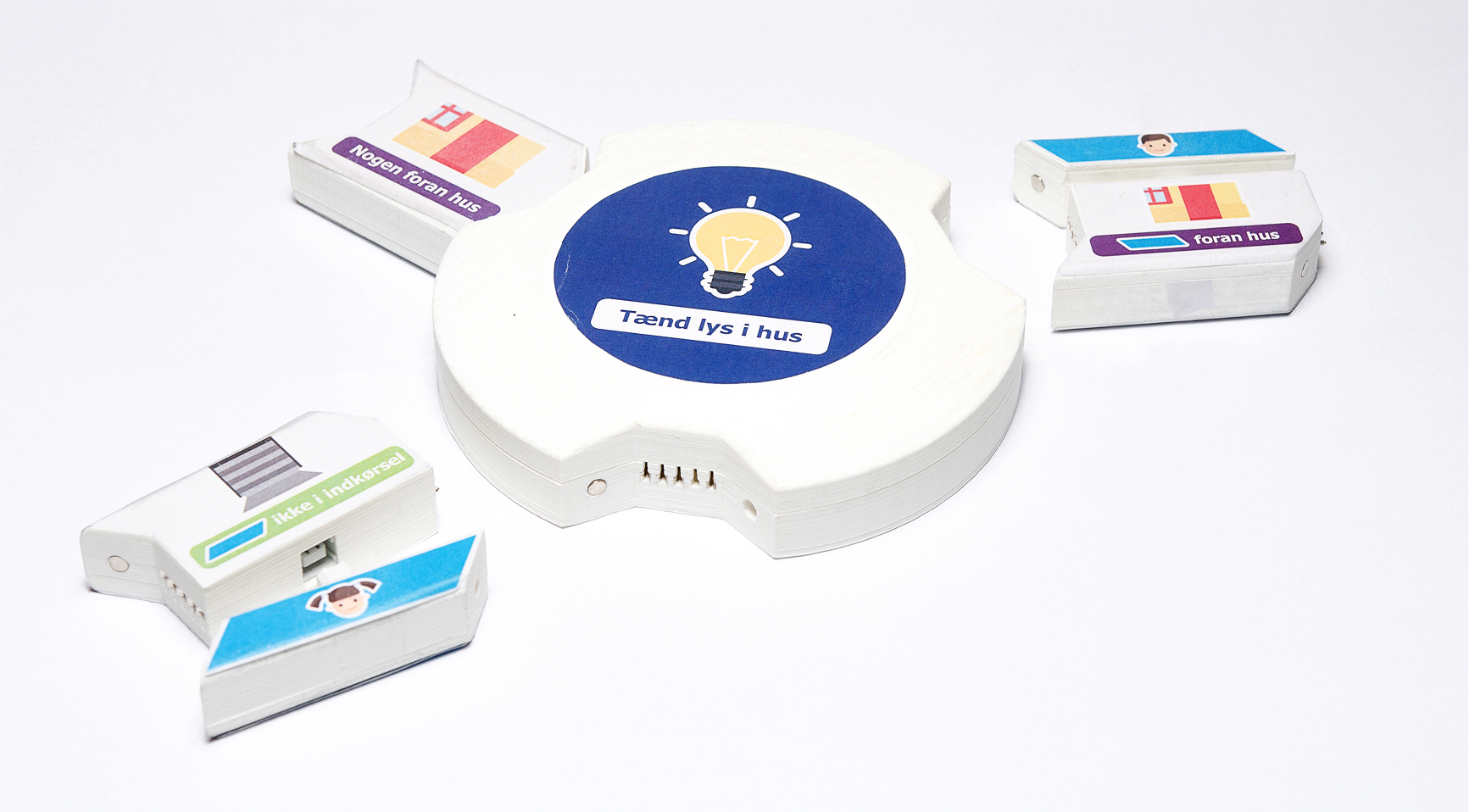
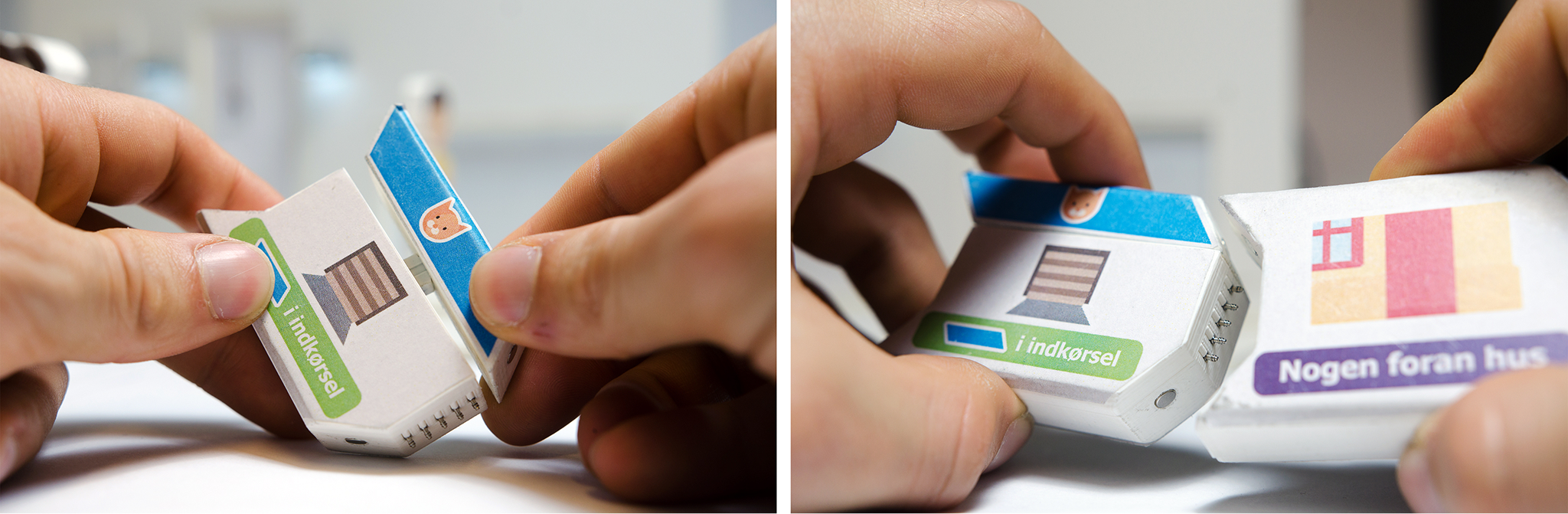
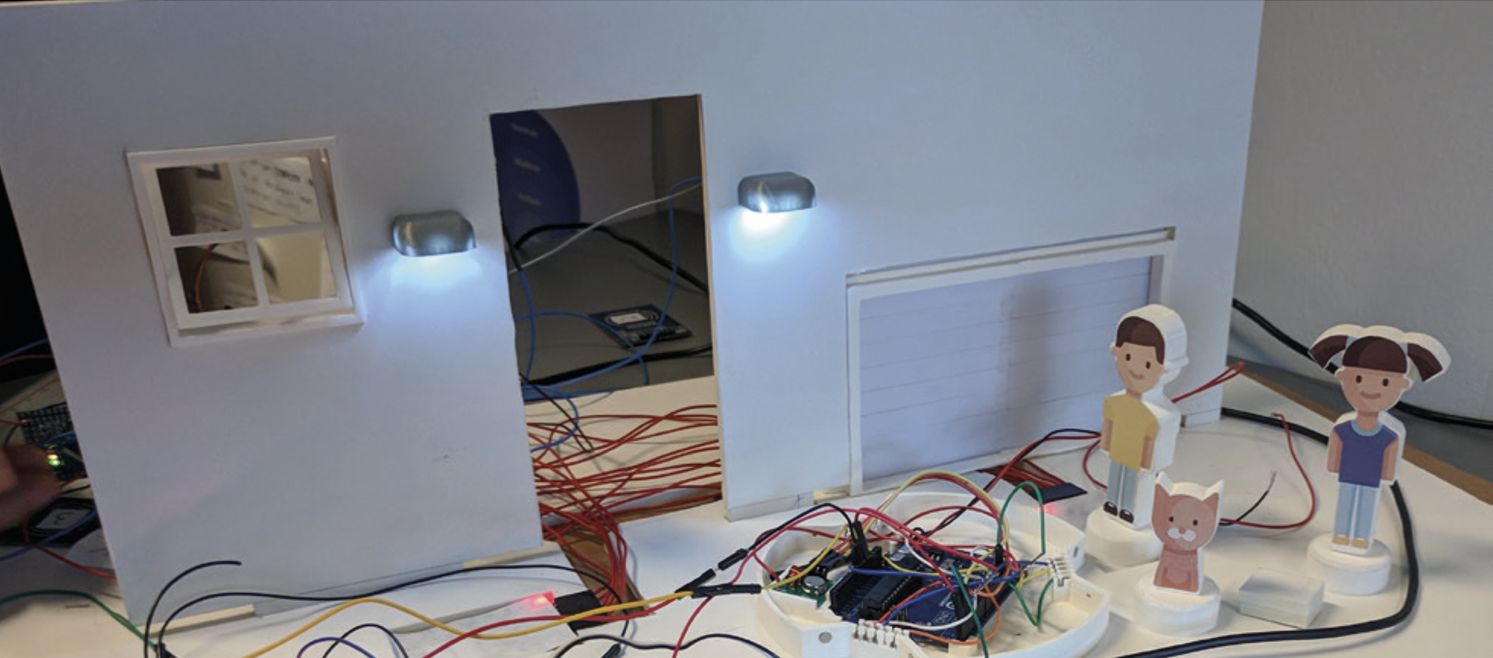
In this implementation a house was chosen as a scene. Children can control a door, lights, a window and a garage door. As an example, the behaviour of the door can be programmed to open IF the cat figure is in front of the window OR if any figure is in front of the door.
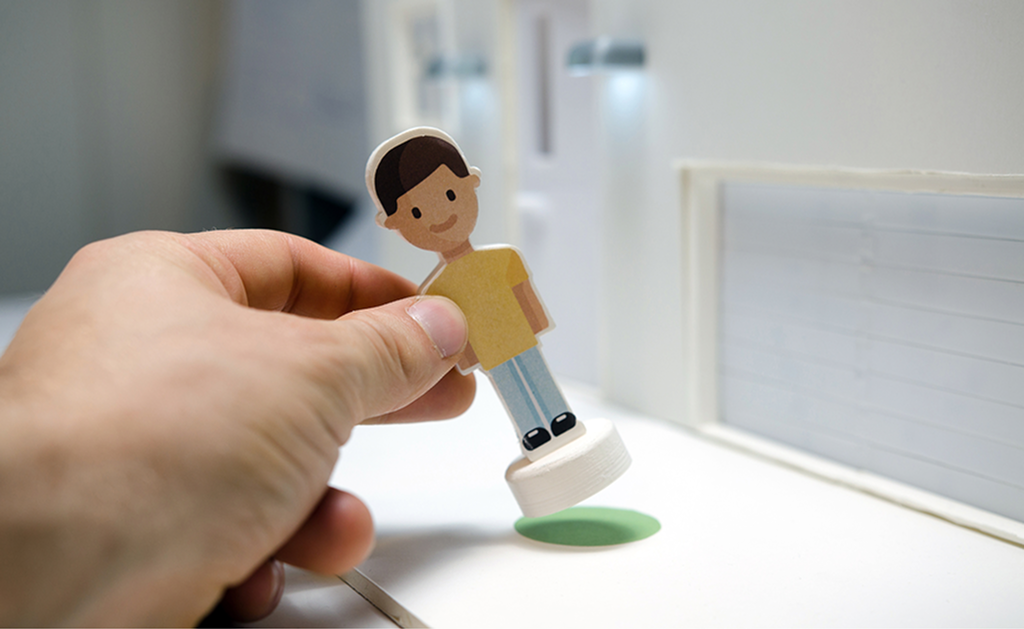
Testing with primary school children.
Hardware Prototyping.
Outcome
Sparked Collaboration and Independent Discovery.
We found that Story Blocks created many positive learning experiences for the children. Working in groups, the tool sparked collaboration and discussion as children negotiated what their scene should do and how to program it. This led to situations where children started reflecting on their own capabilities, and experienced success around curriculum subjects they hadn't had previously.
Teachers found that Story Blocks enabled them to step back into a facilitator role. They reported the tool to be playful and intuitive, and that they "didn't have to teach the children how to use it first". This allowed them to use their limited time to be present in guiding the children in their learning.
Design Reflections.
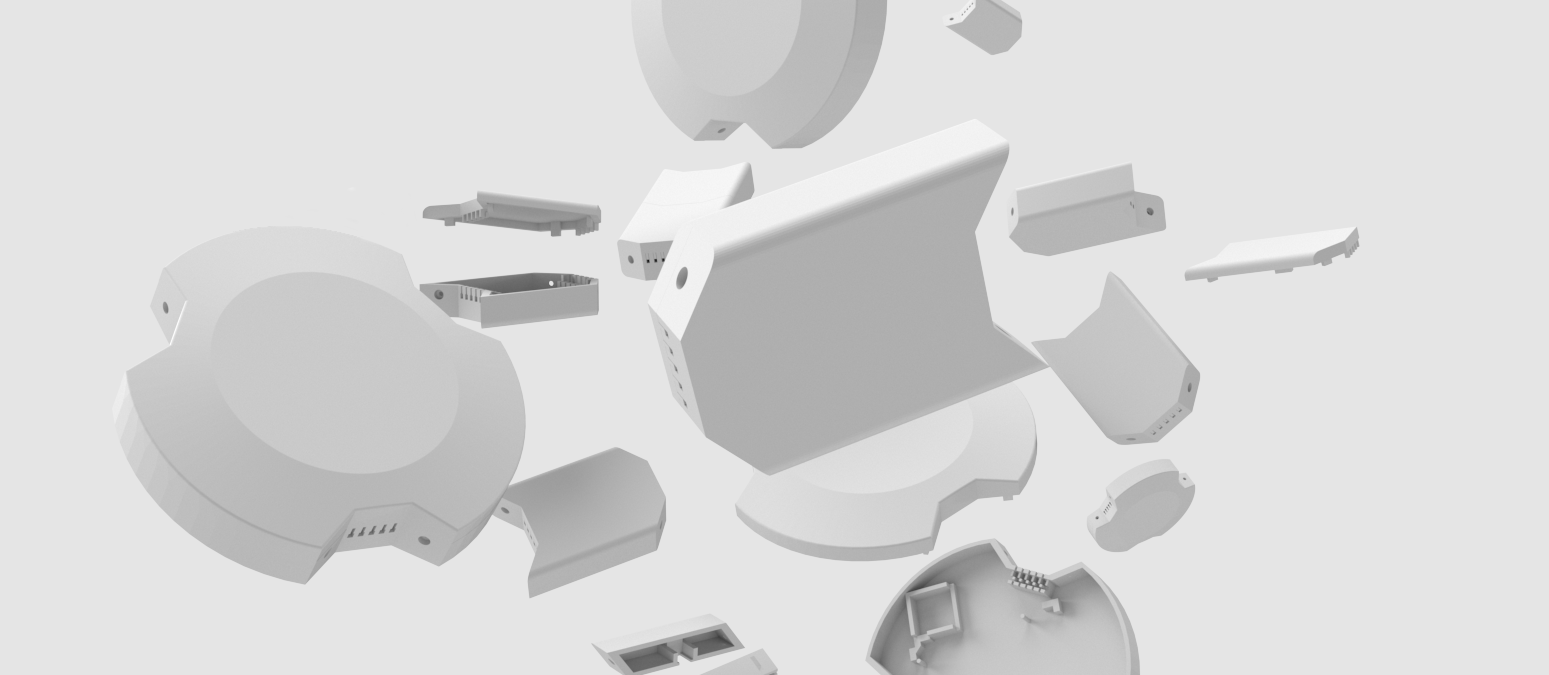
- A robust connection between hubs and blocks was critical. A pins + magnet system was used, making the blocks stick together. This worked well when the children wanted to reuse block combinations from one port to another, but the magnets could hold blocks in place even when pins were misaligned, making it hard to spot when a connection wasn't actually active.
- Markers for the activation areas for controllable parts in the scene needed to be big, colorful and closely positioned to make them intuitive without explanation.
- The detachable variable on the blocks had to be the right size for small hands to attach and detach, and not too small to be lost. The flat, slightly concave top of the hub made it easy for the children to hold steady and to move around.
- Block combine a character icon, a color-coded condition type, and a simple text label so children could quickly identify who, where, and what kind of computational concept a block represents. It was important to use language that made the children quickly understand what the blocks actually did, and that was simple enough for them to use when explaining their programming to their teacher.